Outdoor Voices
Four years at a direct-to-consumer apparel brand, across the storefront, the consumer iOS app, and the internal tools the team used to run events and retail.

Overview
Outdoor Voices is a direct-to-consumer activewear brand. I joined in 2018 on the storefront and left in 2022 having worked across most of what the company shipped to a screen: the e-commerce site, the consumer iOS app, an internal iOS tool used by retail and field marketing staff, and an internal app the whole company used.
Working at a company that size means the boundary between roles is thin, and the throughline for me was motion. OV had talented designers and a small handful of engineers, and I was the one who brought movement into what we shipped, on the web and in the app. That meant sitting with the designers until the feel was right: scroll-driven launch pages, drawers that moved like they had weight, animated home screen media, and one-off moments like the holiday gift guide's snowflakes drifting after your cursor. My years there were a long lesson in putting life into digital products.
At a glance
Key features
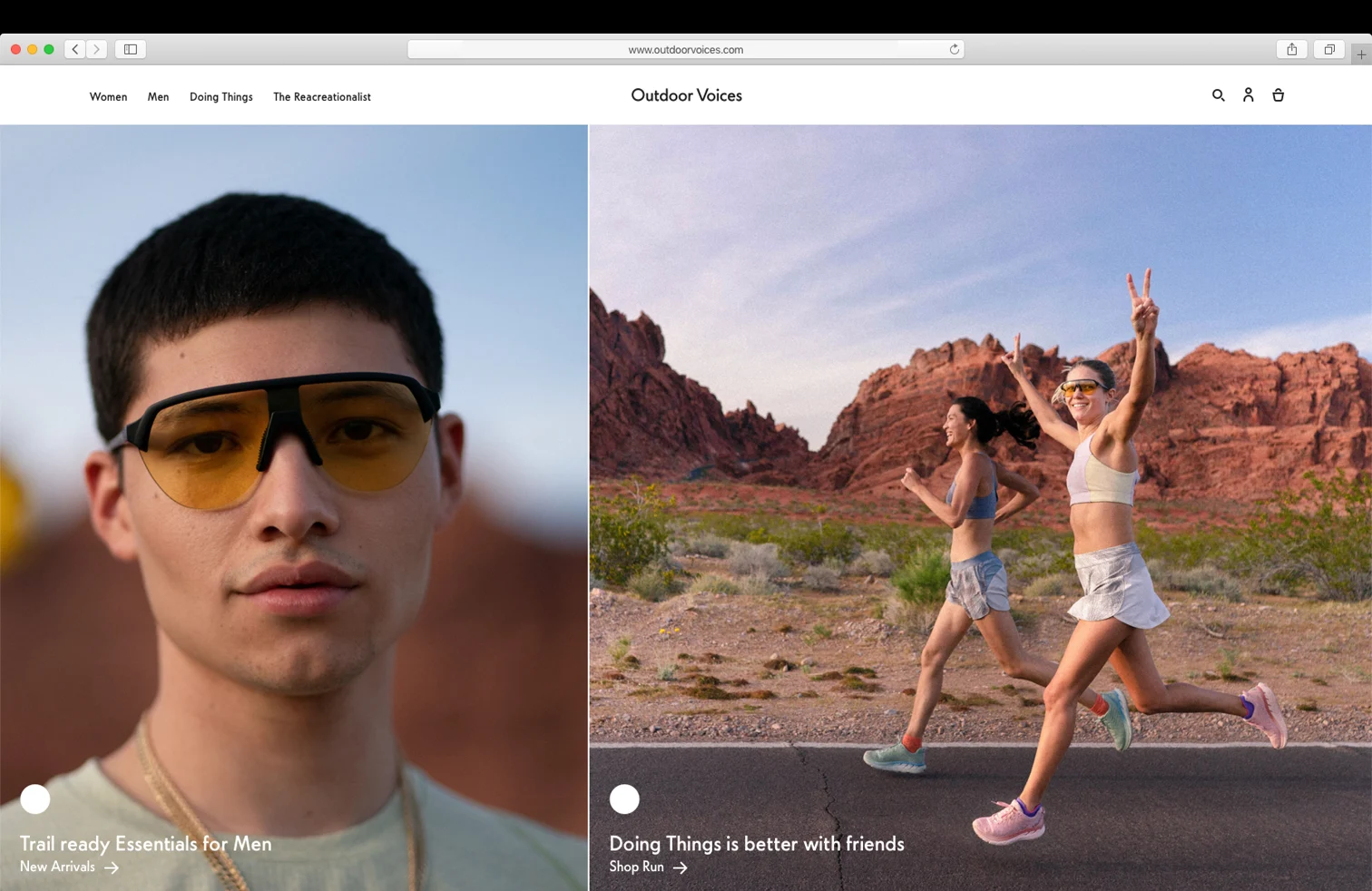
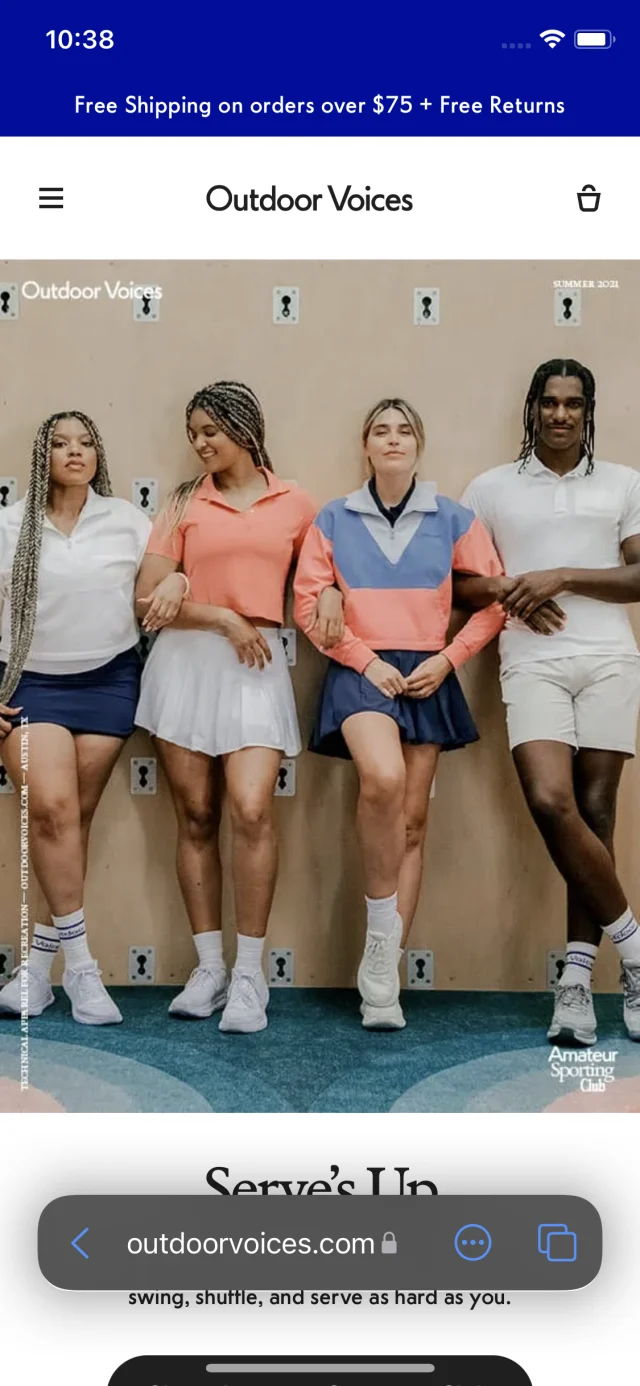
- Storefront. Four years on the Shopify e-commerce site: product pages, mobile navigation, cart and checkout copy, waitlists for product launches, reviews, order confirmation email templates, and the launch pages for individual products including The Exercise Dress.
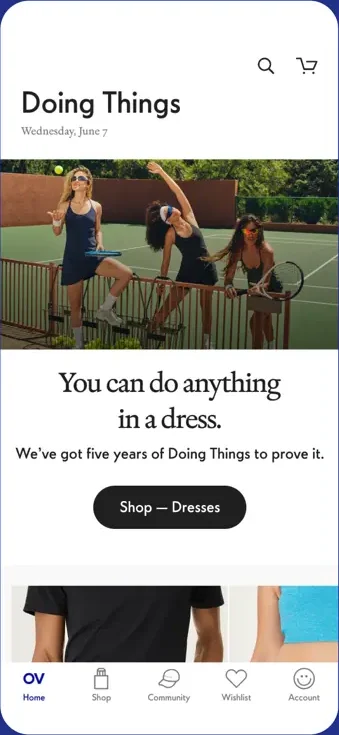
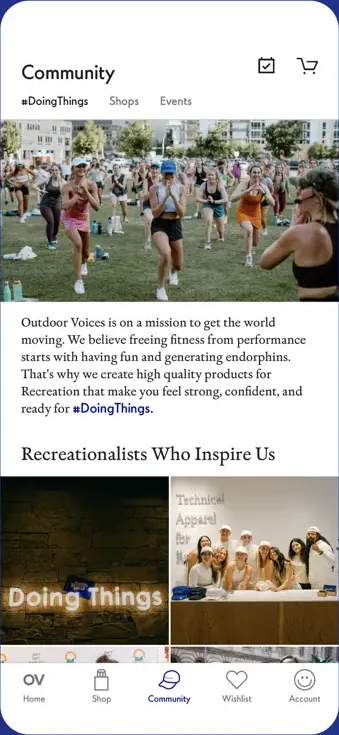
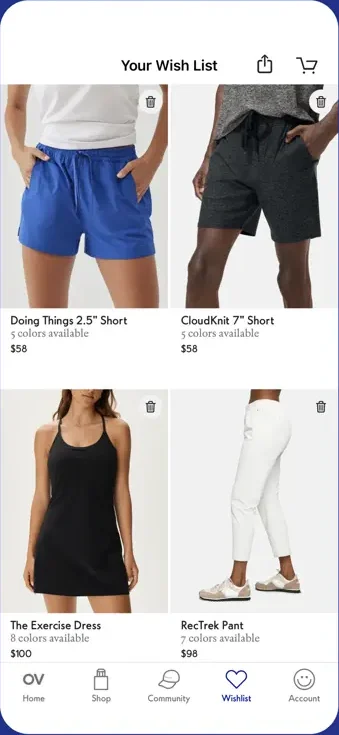
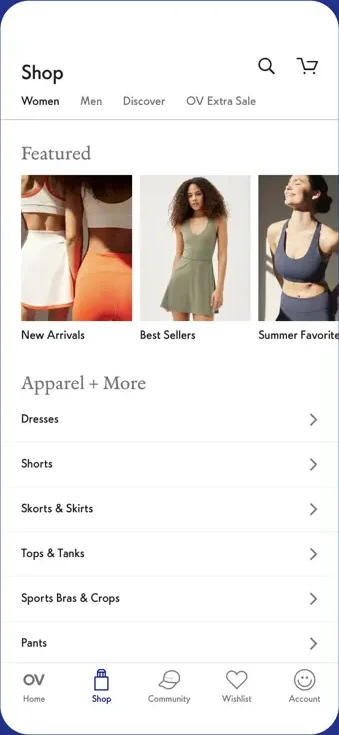
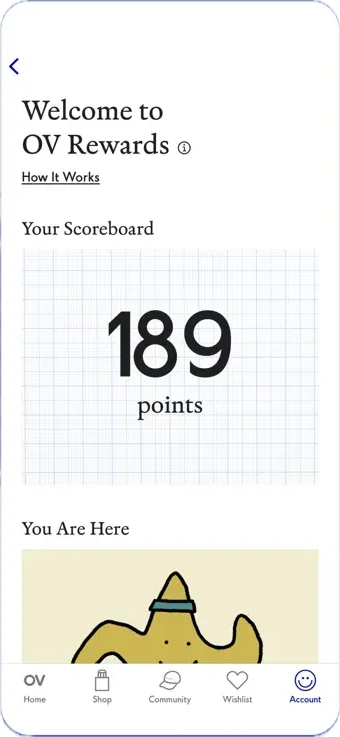
- Consumer iOS app. The OV app, built in what engineers would call SwiftUI 1: it targeted iOS 13, the first release of SwiftUI, when the framework could do a fraction of what it does now. We shipped a polished e-commerce app on it anyway, and it became a real revenue channel for the business. The app is still on the App Store as of October 2026, though it is no longer maintained and could be pulled at any point.
- Motion and interaction. The animated moments across the site and app: scroll interactions on launch pages like The Exercise Dress, randomized snowflakes following the mouse on the gift guide, drawer and transition animations, and animated media on the home screen. Each one built side by side with the designers.
- Loyalty Scanner. An internal SwiftUI iOS app for OV employees. Scan a customer's QR code at an event or in a shop to award loyalty points, with location metadata captured per scan for analytics. I was the primary author.
- Hearts & Stars. An internal app where employees sent hearts and stars to teammates, paired with a live dashboard that ran on a screen in the office. I built the web dashboard: a real-time Firebase feed, an auto-scrolling leaderboard, animated callouts when someone was recognized, and an admin view for filtering and exporting activity.
Technical highlights
- Shipping on SwiftUI 1. iOS 13's SwiftUI had no lazy stacks or grids, no pull to refresh and very little control over navigation. The app filled the gaps without giving up on SwiftUI: two dozen UIKit bridges where the framework fell short, and a small dependency for pull to refresh. Learning exactly where those edges were is a big part of why I'm comfortable in SwiftUI today.
- Motion as a design conversation. Animation is easy to build and hard to get right. The difference lives in timing, easing and restraint, and none of that survives a hand-off spec. The work was iterating live with the designers until it felt like OV, then making sure it held up on real devices and slow connections.
- Remote config as a product decision. The Loyalty Scanner's home screen is generated from a Firebase Remote Config payload. Each campaign in that JSON defines its own label, icon, and whether it requires a shop, a market, or no location at all. Marketing could add or pull a campaign during a live event without an App Store submission. This is the first place I reached for server-driven UI, and it has stayed one of my go-to tools since.
- Three GraphQL APIs behind one app. The scanner talks to the OV Events, EMS, and OV ID APIs, all GraphQL, all code-generated into Swift with Apollo. Most of the work was reconciling three schemas written by three teams into a single coherent model of what a "location" is.
- Documented with DocC. The scanner ships with DocC documentation, so symbols are option-clickable the same way Apple's own are. It was an internal tool with a small audience, which is exactly the kind of project that gets abandoned undocumented.
- Real-time dashboard. The Hearts & Stars display ran unattended on an office screen. That constraint drives the engineering: it has to survive a Firebase connection dropping, a day of accumulating data, and nobody being around to refresh it.
What I’d improve today
The scanner is a SwiftUI app built around a set of singleton managers, which was a reasonable 2022 answer and has aged into the thing I would change first. The managers are effectively global mutable state with no story for testing, and most of them would become observable models scoped to the views that need them.
The storefront work is harder to second-guess, because the constraints came from the platform. What I would change is how much logic ended up in the theme layer, where it was invisible to tests and only observable in a browser.